
Smart Speaker
Listen on your Amazon Echo device with Alexa!
Getting True Radio on your Amazon Echo is easy (assuming the device is actually in the mood to listen to you). To get started, you just need to enable the True Radio UK skill.
There are two ways to do this. Neither is particularly difficult:
- The "Lazy" Way: Just say to the room, "Alexa, enable True Radio UK skill". If it understands your accent, you’re good to go.
- The "Manual" Way: Open the Alexa app on your phone, head to the Skills store, and search for 'True Radio UK'. Tap 'Enable', and you’ve done your bit.
Once that’s sorted, you can stop the shouting. Anytime you want Proper Good Music, just use one of these:
-
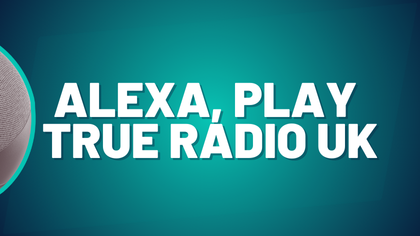 Alexa, Play True Radio UK
 -
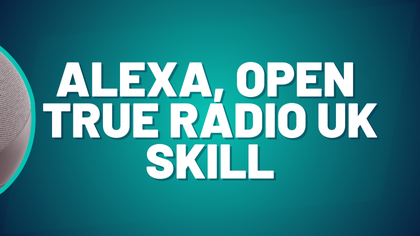 Alexa, Open True Radio UK Skill
FAQ: What about Google Home/ Assistant?
Honestly? Google makes it unnecessarily difficult for us to get on their platform. If you’ve got a Google speaker, your best bet is to download the True Radio Player app on your phone and use the 'Cast' feature. It’s an extra step, but blame Google, not us.